
Camp Property Reservations
Quick Links:
Property Information
View information about Camp Properties including campsites, program areas, and amenities on the Online Reservation System (Scroll down and click on the grey Facility Type drop down menus to view information about the specific reservable areas at that camp).
- Camp Herms Reservation Information
- Camp Royaneh Reservation Information
- Rancho Los Mochos Reservation Information
- Wente Scout Reservation Reservation Information
General Property Information, including history of the property, can be found on the GGAC camp website subdomains. Please note that the information listed on these subdomains may be outdated.
How to Make a Camp Reservation (Scouting America Groups)
If you are a Scouting America District or Unit (Troop, Pack, Ship, etc.), please follow the following directions. If you are an outside group (non Scouting-America), please email us at [email protected] to inquire about availability and reservations.
Camp reservations may be made as far in advance as:
- Council Events - 3 Years in advance
- District Events - 2 Years in advance
- Unit Reservations and Public Reservations - 1 Year in advance
Camp Herms Reservations:
- For Camp Herms reservations, email us a [email protected]
All Properties EXCEPT for Camp Herms:
For reservations at all council properties except Camp Herms, visit http://campreservation.com/023
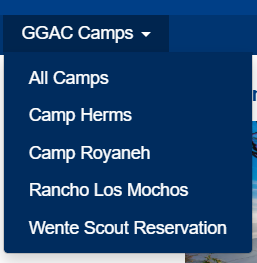
- Select the Camp Property you would like to reserve:
- Click "Reserve Facilities"
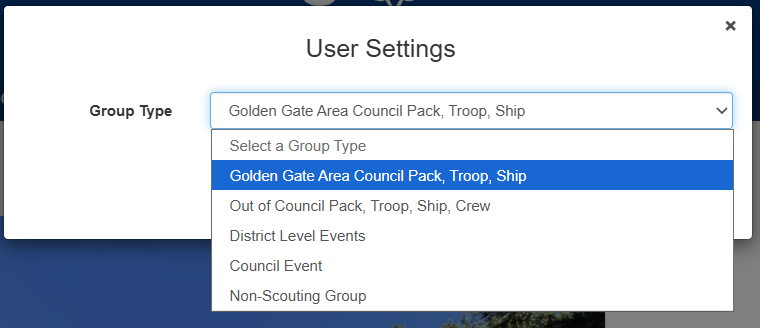
- Select your Group Type
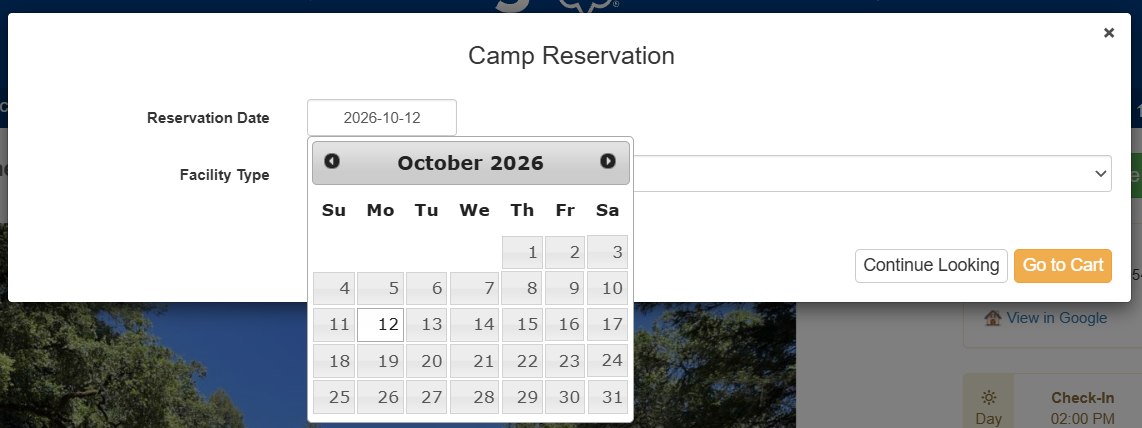
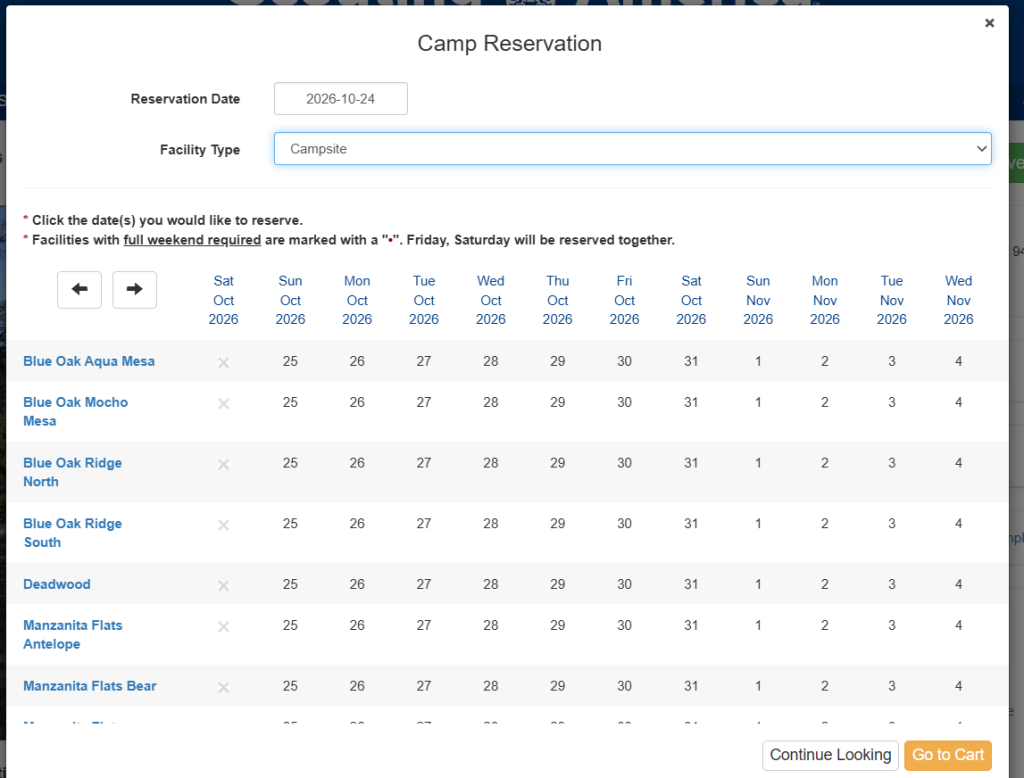
- Select the Starting Date for your reservation
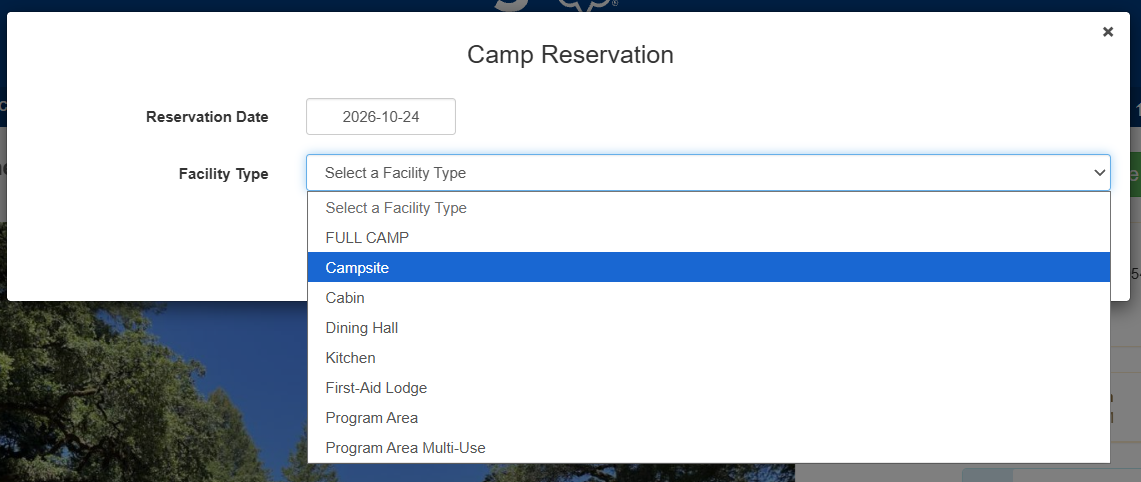
- Select the Facility Type
- Available Dates will be shown as black numbers on the calendar. Unavailable dates will appear as grey "X"s. Click on the date number to select the starting date for your reservation. You can also click the arrows to view future available dates.
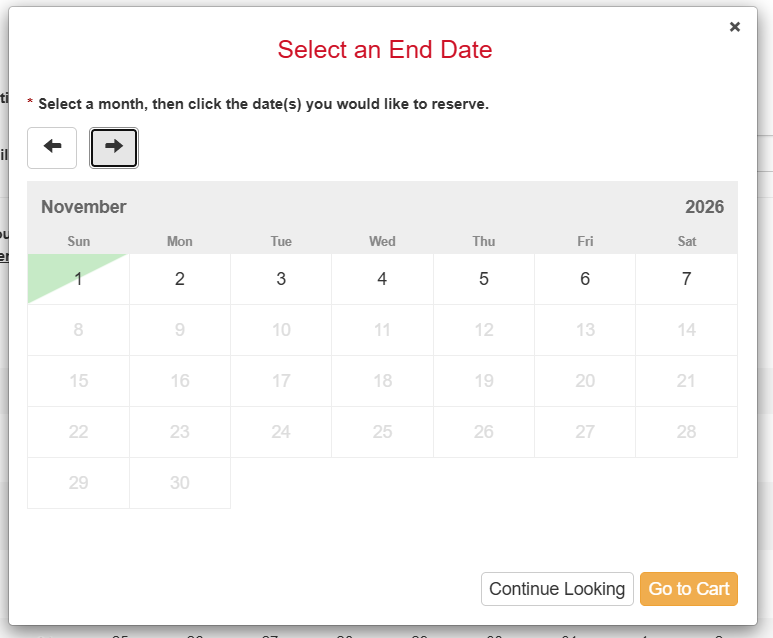
- Select and End Date on the calendar by clicking on the End Date.
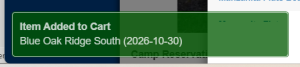
- The reservation will be added to your Cart.
- You may add campsites or other areas of camp by following the above procedure.
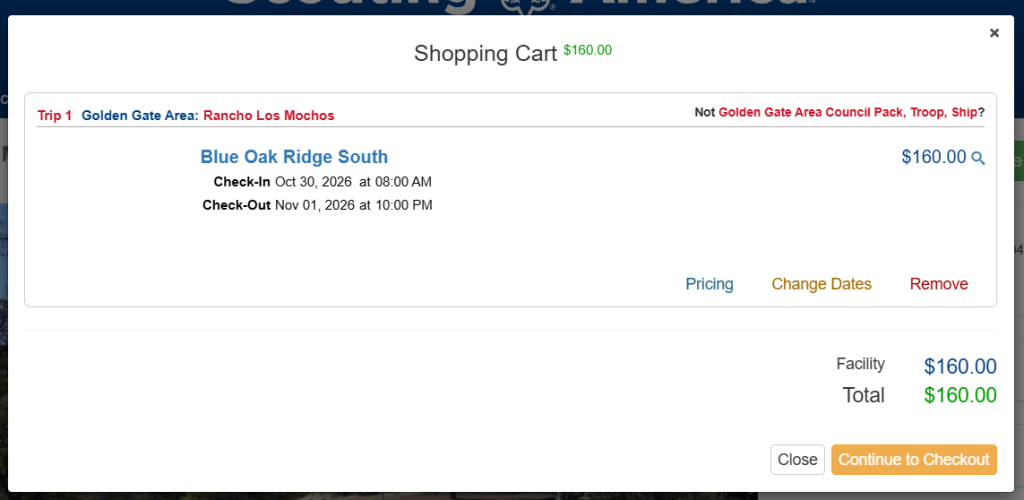
- When you have added all areas of camp to your reservation, continue to the Cart (or click "Checkout")
- Review your reservation summary. Click "Continue to Checkout"
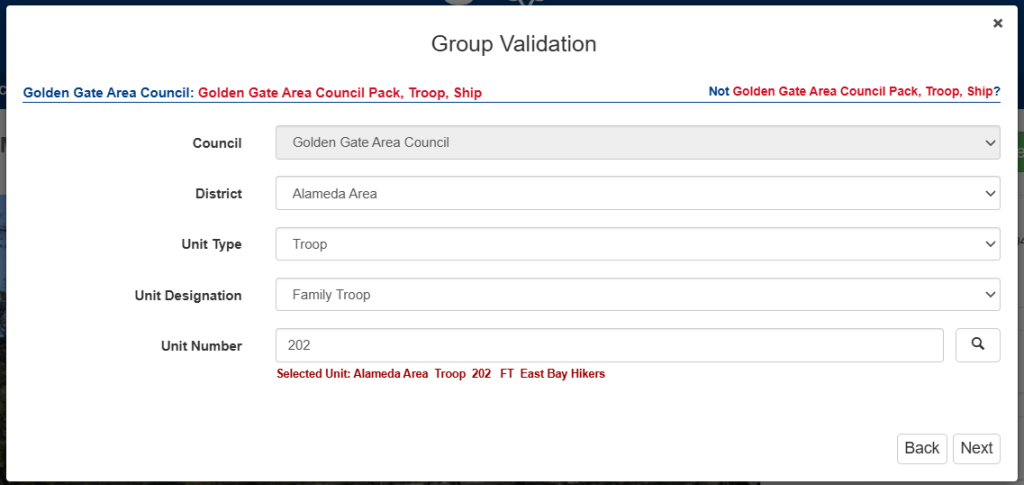
- For Unit reservations, Select your Unit Number
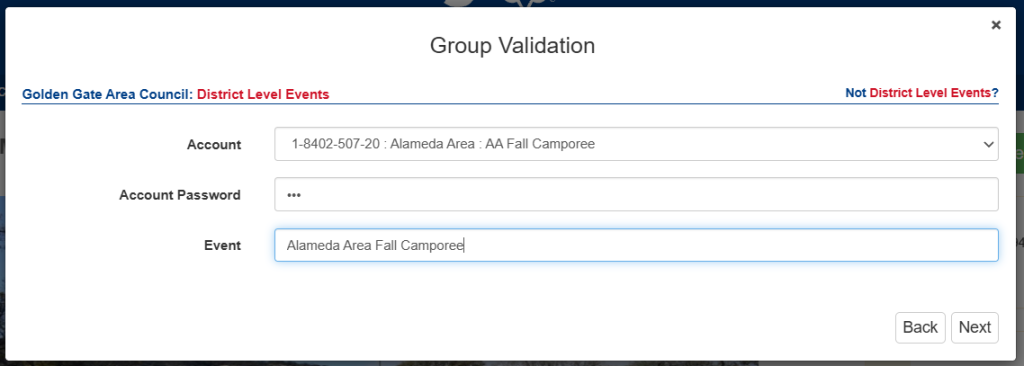
- For District reservations, Select the District Account for the reservation, the District Password, and the Title of your event. (If you do not know your District Password, please contact your District Leaders, or email us at [email protected])
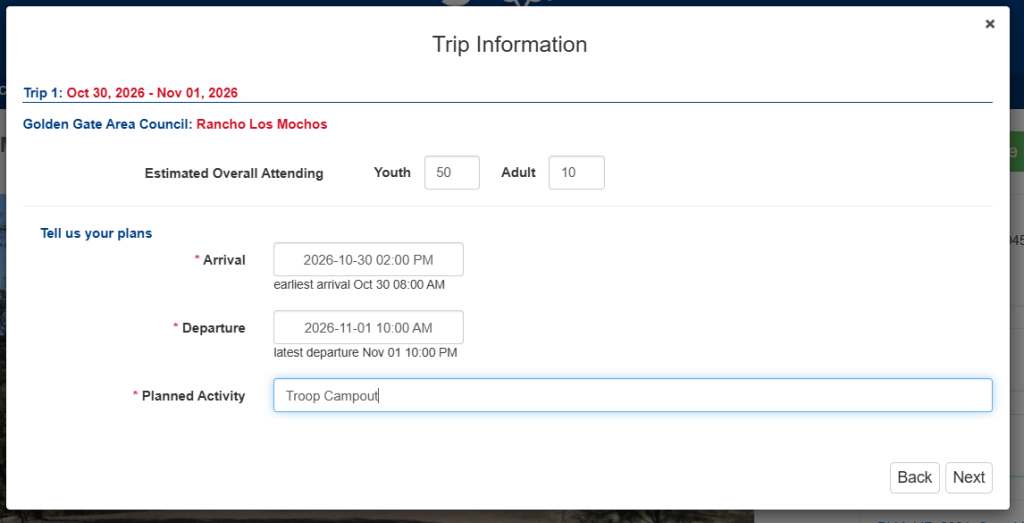
- Enter your Trip Information (Estimated Youth and Adults attending, arrival and departure date, and planned activity. Note: You will have to select the Departure Date on the calendar before selecting the Departure Time.)
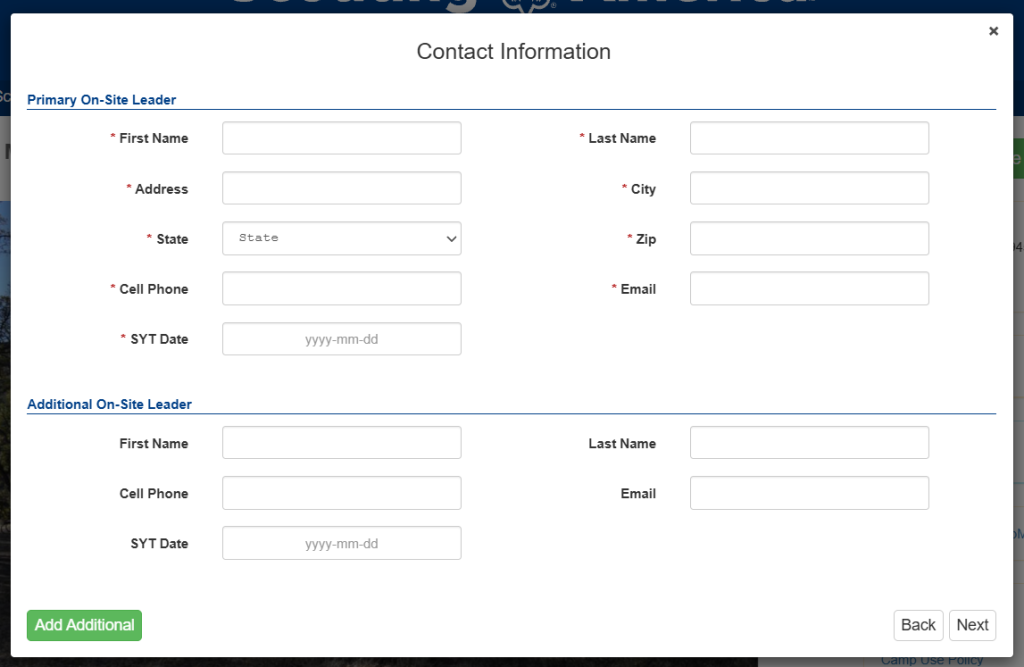
- Enter your Contact Information for the reservation.
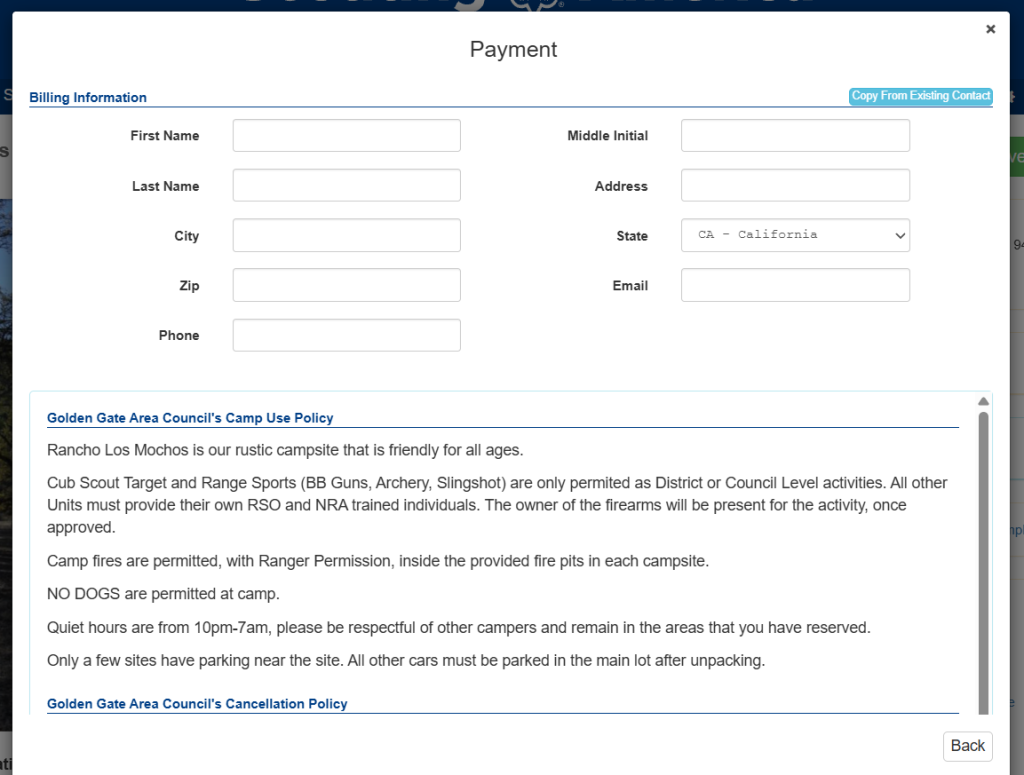
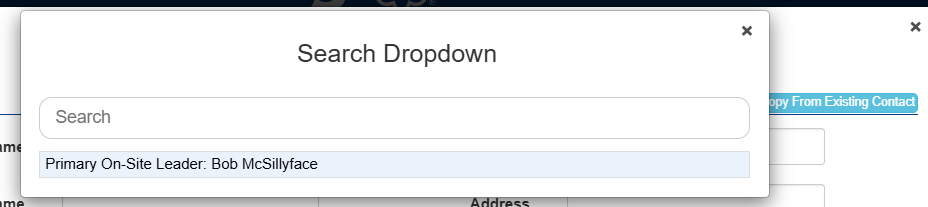
- Enter Payment Information (If the billing contact is the same as the reservation contact, you can click "Copy From Existing Contact")
- Review the reservation policies, and click the check box to agree to the policies.
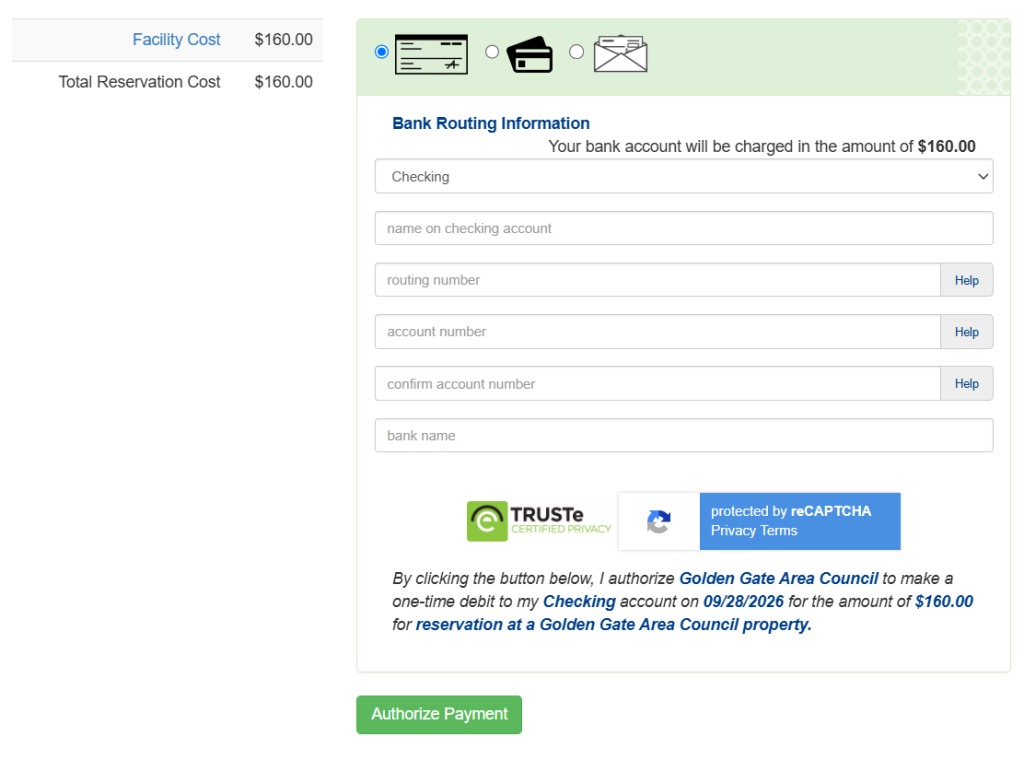
- Enter in your payment information.
- Note: There is a 3% processing fee for credit card payments. There is not processing fee for e-check/ACH payments.
- Note: The reservations system will not accept PO Boxes as a billing address. Please use an alternate payment method if your credit card or e-check billing address is a PO Box address.
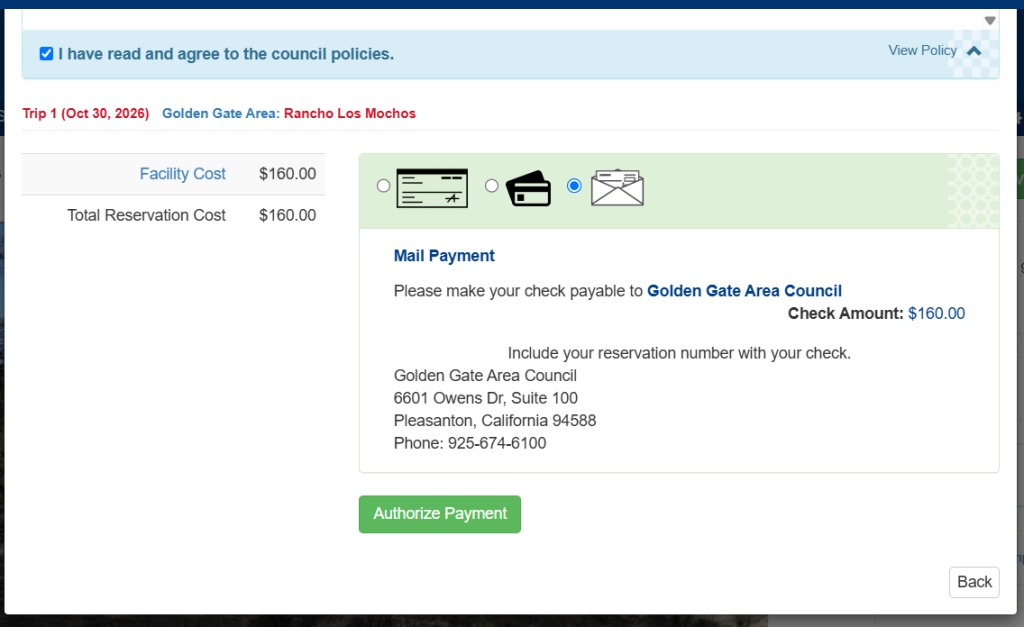
- For District reservations paying for the reservation with an internal GGAC account, please select "Mail Payment".
- Click "Authorize Payment"
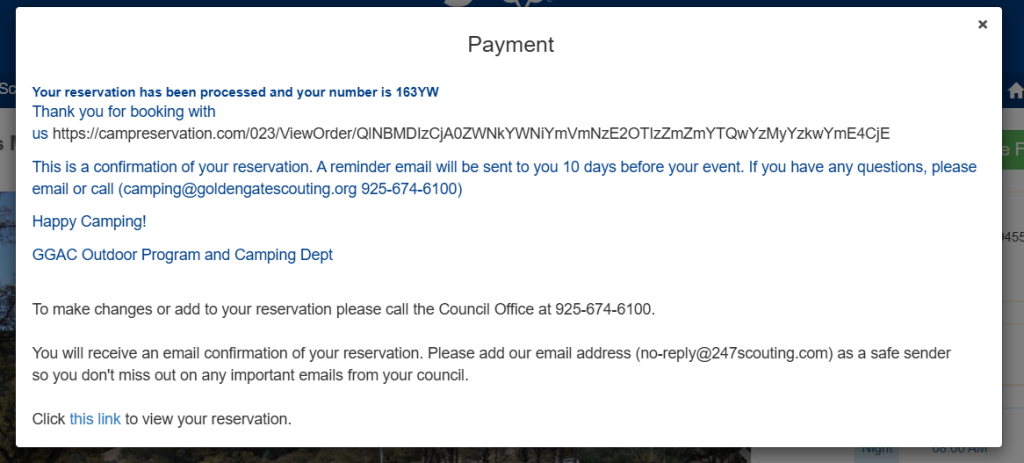
- You will receive a confirmation message, and a confirmation email will be sent to the Primary Reservation Contact.



Access Your Reservation Online
There are two ways to access your reservation online:
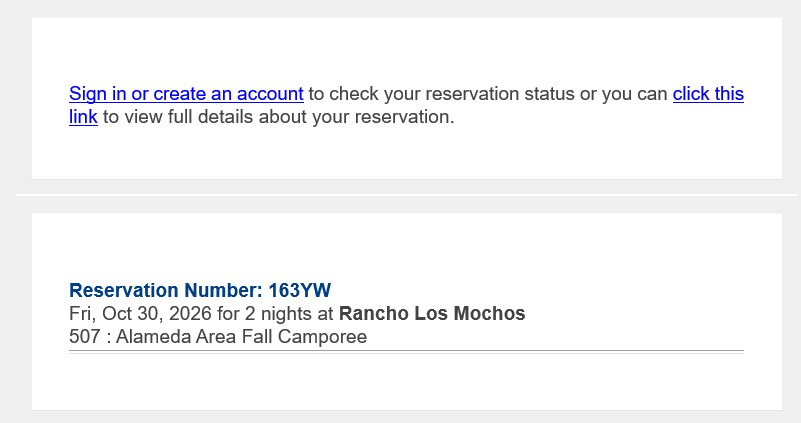
- Click the link in your reservation confirmation email
- Log into the campreservation.com website with your account. If you do not have an account, you can create one by clicking "Sign In" and "Register". User accounts are tied to your email address. By creating an account with the email address you used to create a camp reservation, you will be able to see all reservations made using that email address. Note: CampReservation.com uses the same user account as ScoutingEvent.com.
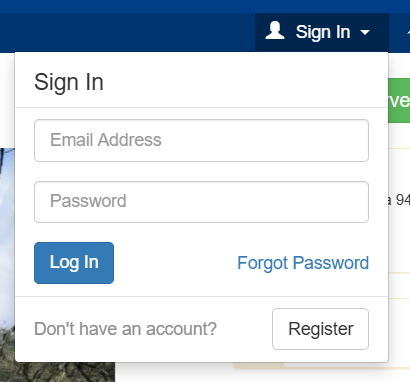
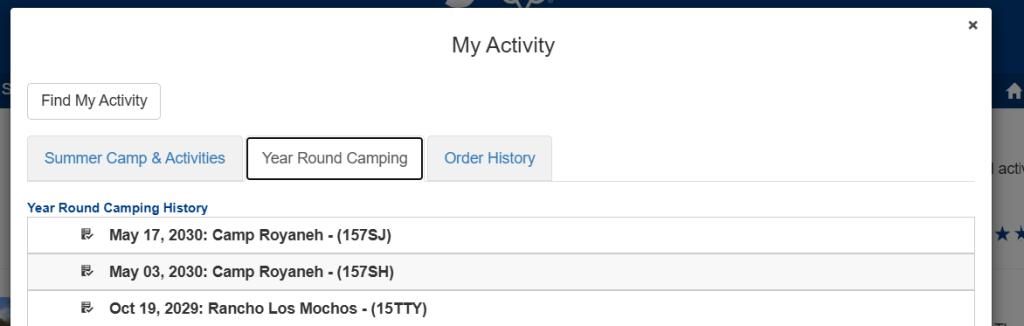
- Once you log in, click on your Name, and "View Activity".
- You will be able to see all Event registration and Camp Reservations tied to your account. Camp Reservations can be found in the "Year Round Camping" tab.
How to make a Camp Reservation (Non-Scouting America Groups)
- If you are an outside group (non Scouting-America), please email us at [email protected] to inquire about availability and reservations.
- Non-Scouting America groups require a signed contract and Certificate of Insurance for reservations.
Help with Camp Reservations
If you need help with your Camp Reservation, email us at [email protected].