
LEADERS GUIDE Summer Camp 2026
Provisional Camper Frequently Asked Questions
How to Register a Provisional Camper
Registering as a Provisional Scout is the same as registering for a Troop. Families essentially register their Scout as a Troop of one. The process is outlined below:
- Visit the Summer Camp registration page for the camp:
- Wente Scout Reservation: https://scoutingevent.com/023-WSR2026
- Camp Royaneh: https://scoutingevent.com/023-CR2026
- Camp Wolfeboro: https://scoutingevent.com/023-CW2026
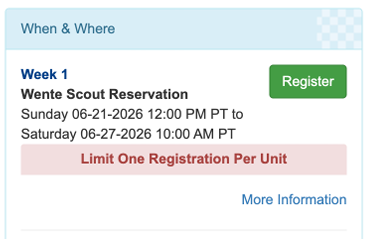
- Click the green “Register” button for the Week of camp you would like to register.
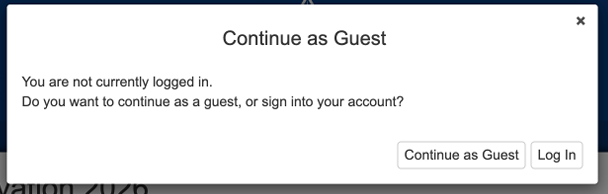
- You do not need to register at this point – you will register as you complete your registration. Click “Continue as Guest”
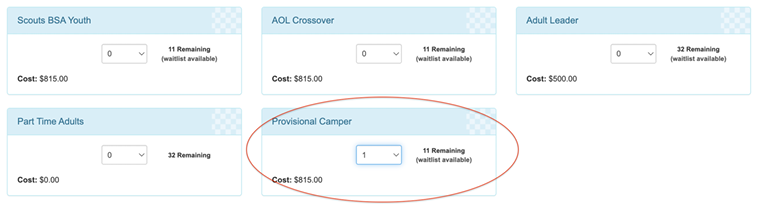
- Select the “Provisional Camper” registration type:
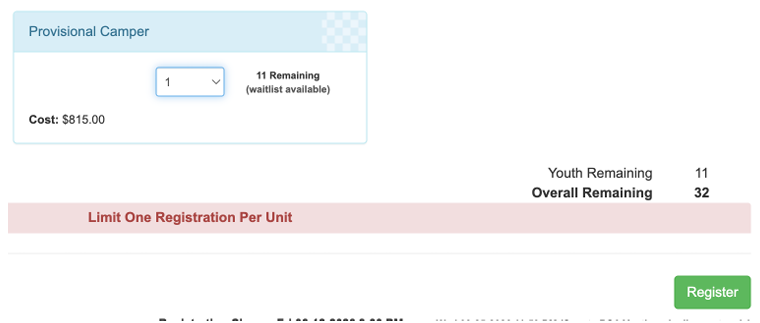
- Click the green “Register” button at the bottom to continue.
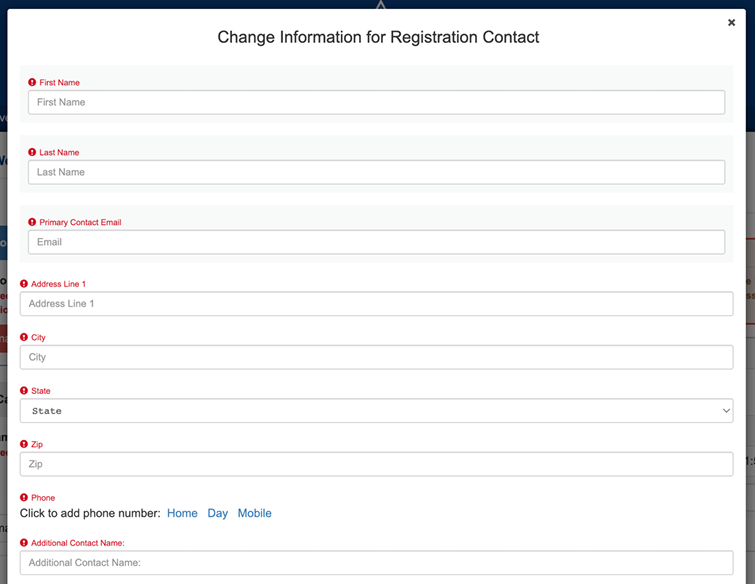
- Fill in details for the Registration Contact (the person who is registering the Scout – most of the time this will be the Parent information for Provisional Campers.)
- Be sure to select the Unit that your Scout is currently registered with.
- For Campsite Selection, you can select any available campsite (this field does not matter for Provisional Campers, but is a required field to Check Out
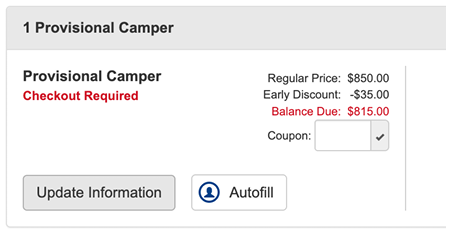
- Click the “Update Information” button under the Provisional Camper box.
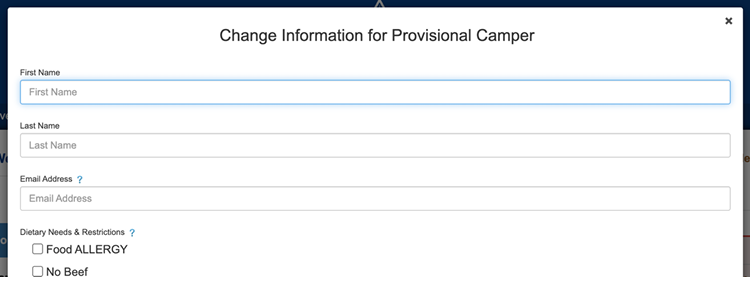
- Fill in the information for the Provisional Camper who is attending camp.
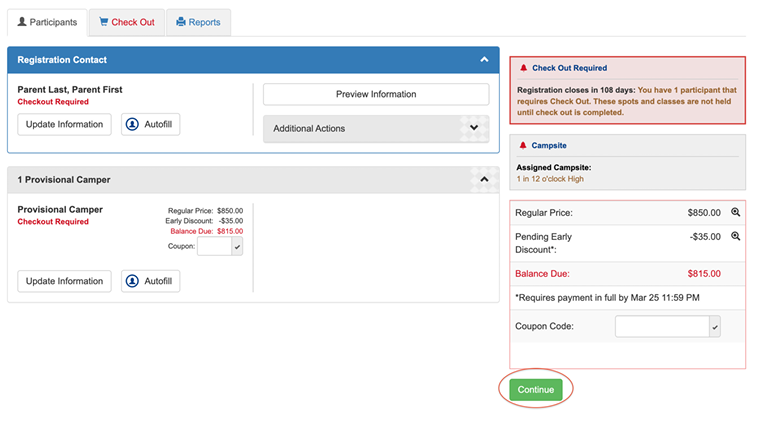
- After all information is filled out for the Registration Contact and Provisional Camper, click the green “Continue” button.
- Click the green “Checkout” button.
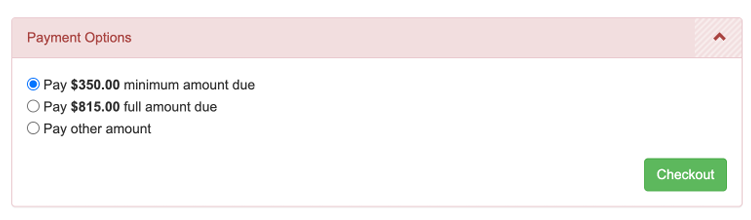
- Review the cancellation and refund policy, check the checkbox.

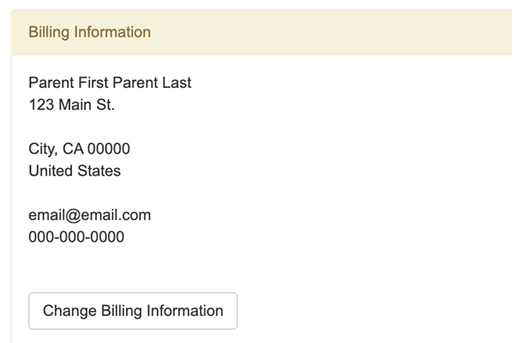
- Review your billing information. The address and zip code must match the information for the card or checking account you use for payment. The registration system will not approve payments with PO Box addresses as the Billing Information.
13. Fill in your payment information. ACH (e-check) and credit card payments are accepted. (There is a 3% processing fee for credit card payments. There is no processing fee for ACH/e-check payments.).
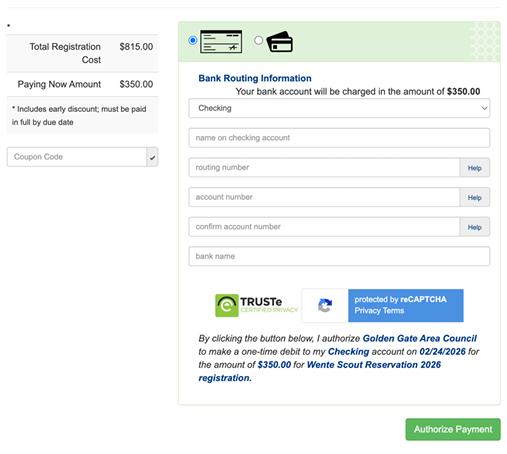
- Click “Authorize Payment”.
- After your complete registration, you will receive a confirmation email to the email address you entered for the Primary Registration Contact. Please save this email. The confirmation email contains a link to access and update your Scout’s registration, including selecting Merit Badge classes when it’s your Scout’s time to register. Please see the Online Leader Guide for details and dates for Merit Badge Class registration.